A stolen password is no longer enough to break into an account protected by two-factor authentication, often called 2FA. The second factor, something you have such as a phone or a key, stops most automated attacks. Security experts agree that any 2FA is far better than none. They also agree that some methods are much stronger than others.
SMS codes
The most common method sends a one-time code by text message. It is easy to use and works on any phone. Its weakness is the phone number itself. In a SIM swap attack, criminals persuade or bribe a mobile operator to transfer a victim’s number to a new SIM card, then receive the codes. Text messages can also be intercepted through weaknesses in the telephone network, and users can be tricked into reading codes aloud to scammers.
Authenticator apps
Apps such as Google Authenticator, Microsoft Authenticator or similar tools generate a new six-digit code every 30 seconds, based on a secret shared with the service when you set it up. Because the codes are created on the device and not sent over the phone network, SIM swaps do not affect them. They can still be phished if a user types the code into a fake website quickly enough.
Push notifications
Some services send a prompt to your phone asking you to approve a login. This is convenient but can be abused through “push fatigue”, where attackers trigger many prompts hoping the user taps approve. Better systems ask you to type a number shown on the login screen.
Security keys and passkeys
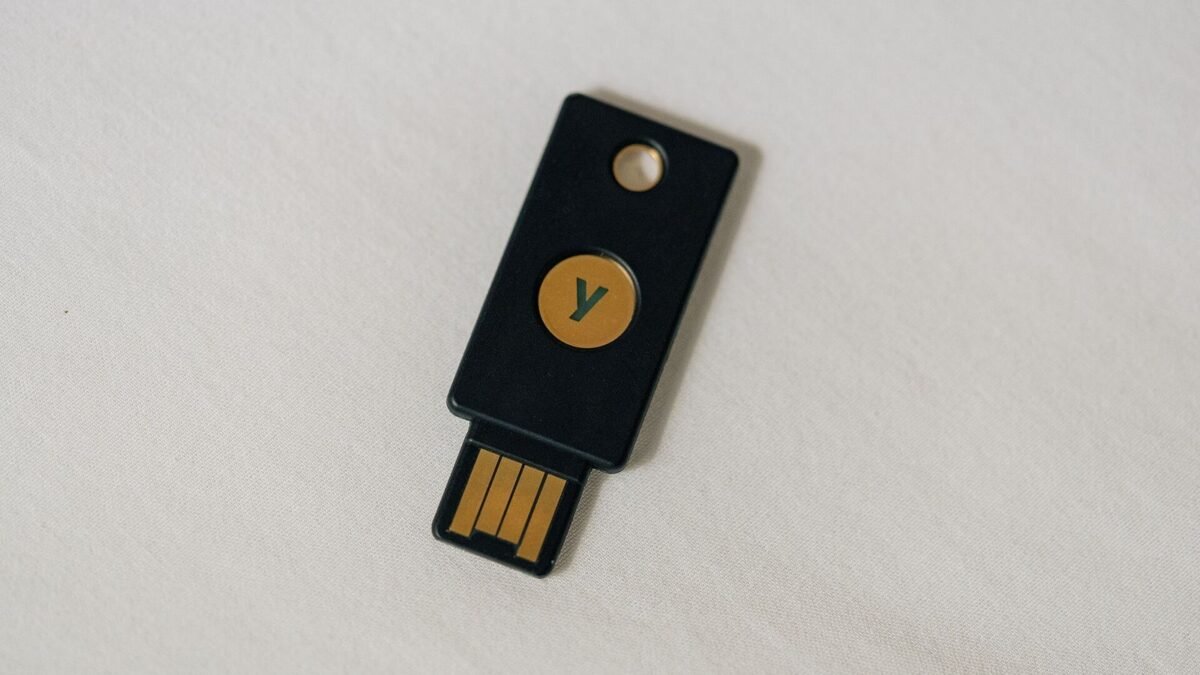
Physical security keys, small USB or NFC devices, and passkeys stored on phones use public-key cryptography tied to the real website’s address. They cannot be phished in the usual way, because they will not respond to a fake domain. For high-value accounts, such as email used for password resets, banking or administrator access, they offer the strongest protection.
Practical advice
Turn on 2FA for email first, since it is the key to resetting other accounts. Prefer an authenticator app or passkey over SMS where possible. Save backup codes somewhere safe offline, and ask your mobile operator whether you can add a PIN or extra verification before any SIM change. These steps take minutes and make account theft far harder.